Selling
Decide what to move, list it, record the sale, and see your real P&L.
Selling is the payoff side of the loop: figuring out what's worth moving, getting it listed, and recording what you actually netted so your P&L is honest. Sereal connects all three so a sale flows from decision to realized gain without re-keying.
These steps live together in one tabbed /sell workspace — the Sell Desk,
listing, and the Sold Log are tabs of the same surface rather than separate pages,
so you move from deciding to listing to recording without leaving it.
Decide what to move (Sell Desk)
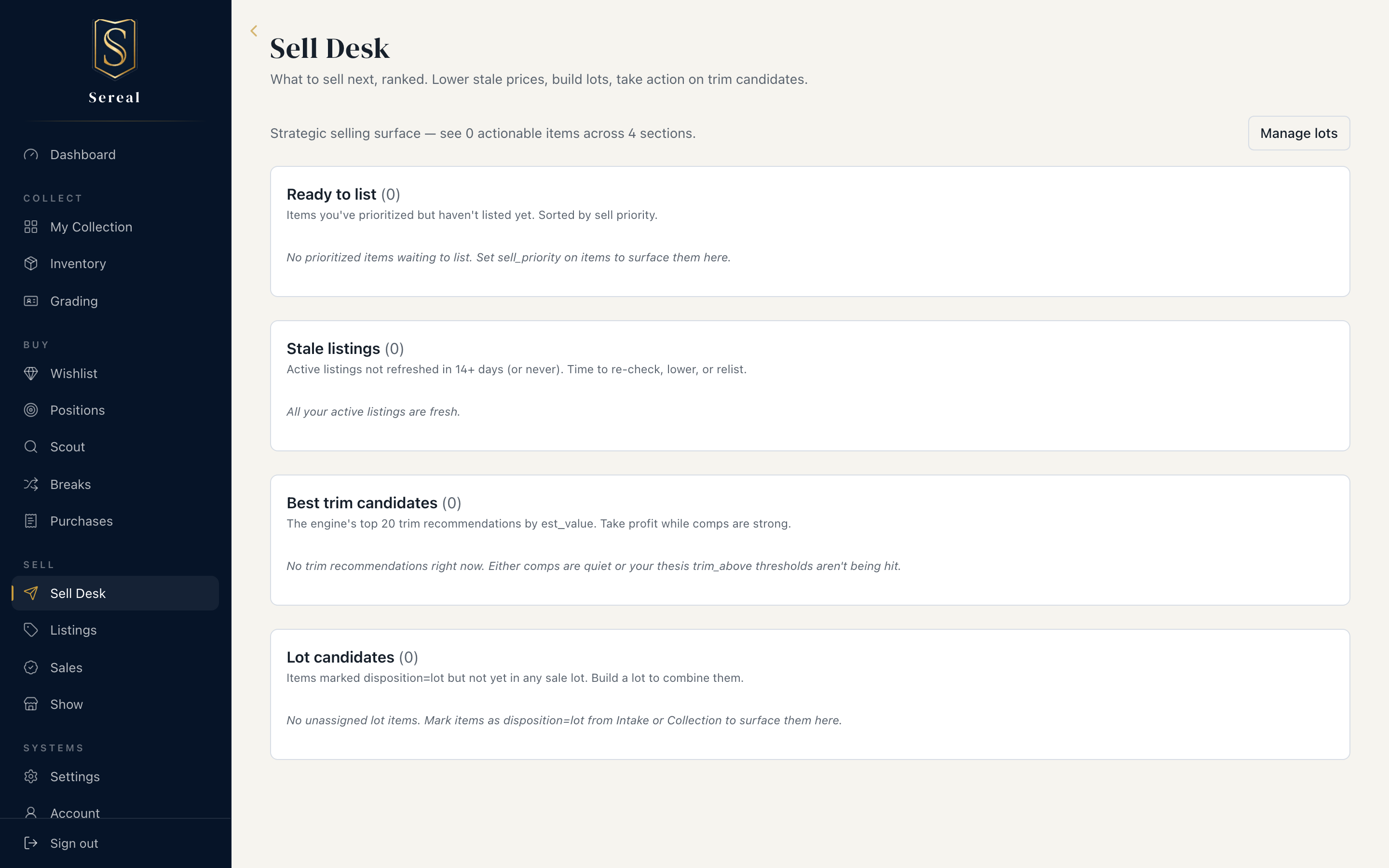
The Sell Desk is where you work the sell side. Rather than guessing, it surfaces items against your thesis for a position — Sereal's read on whether to hold, trim, or sell based on cost basis, current comps, and the intent you set. You can group items into lots and manage a listing through its lifecycle from here.
List it (eBay export)
When you're ready to list cards, export to eBay CSV from Collection. Sereal
builds the file from your item data, with a $0-price guard and a future-date
guard so bad rows don't ship. After uploading, mark the batch as uploaded so
Sereal knows what's live.
Set up eBay shipping policies
When you publish a listing to eBay from Sereal, it applies one of your eBay shipping (fulfillment) policies. You set these up once in Settings → eBay Selling defaults.
The rule, plainly: Default shipping is required. Value-based shipping is optional. To enable automatic low/high selection, choose both a low-value and a high-value shipping policy. If either tier is blank, Sereal uses your default policy — unless you manually choose a different one while publishing.
You can run this two ways:
- Simple (default only). Set just the Default shipping policy. Every listing uses it. You can still pick a different policy by hand in the publish dialog whenever you want.
- Value-based (power user). Also set a Low-value and a High-value policy plus a threshold. Sereal then auto-picks by the listing price: at or above the threshold → high-value; below it → low-value. The publish dialog shows the choice and lets you override it before listing.
A worked example:
| Field | Value |
|---|---|
| Default shipping policy | your standard policy (required) |
| Low-value shipping policy | Flat rate $1.50 (single cards) |
| High-value shipping policy | Ground Advantage (protected shipping) |
| Threshold | $25 |
With that, a $12 card auto-selects the $1.50 flat policy and a $40 card auto-selects Ground Advantage — and you can override either in the moment.
Set both tier policies, or neither. If you fill in only one, Sereal can't run the low/high rule and quietly falls back to your default policy for every listing — which can look like nothing happened. Leave both blank to keep the simple default-only setup.
Record the sale (Sold Log)
Log every sale in the Sold Log: sale price, fees, and an optional link back to the Collection item it came from. Sereal computes net proceeds and a running total. Linking the item keeps the chain intact — cost basis on one side, sale on the other — so the gain is calculated, not estimated.
See your real P&L
Sold items leave your holdings value (you no longer own them) but stay in your realized P&L — that's the number that tells you how the hobby is actually doing. The dashboard shows Net P&L (green positive, red negative), and at tax time you can export realized gains for your records.
The loop, closed
Own → buy → grade → sell → realize. Each step hands clean data to the next, and the Sold Log + dashboard tell you whether the whole thing is working.
Back to Getting Started, or see Your Collection.